
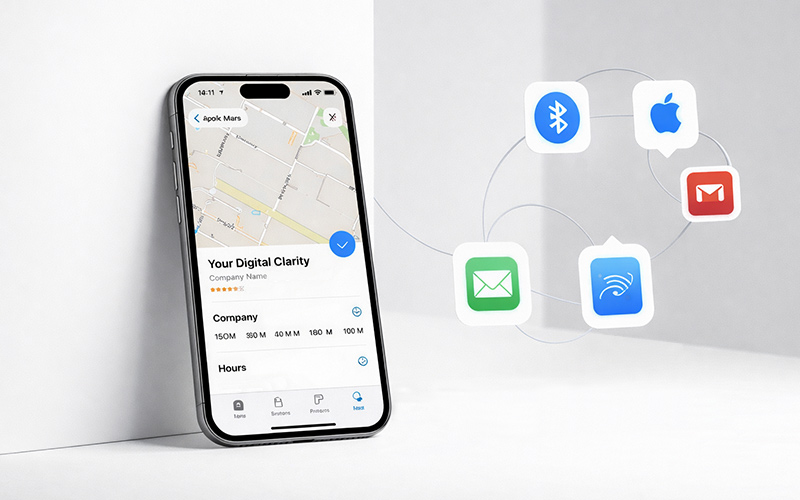
Does your company appear in the various apps made available by Apple for its mobile devices?
If you haven’t checked whether you are on Apple Maps or Apple Business Connect yet, now is the time to do it.
Not only to confirm that you are indeed listed, but above all to ensure that the information provided is correct, especially your opening hours and contact details.
Recently, a client for whom we manage their Google Business Profile contacted us after receiving complaints from visitors about ‘incorrect hours’. Initially, they thought the problem was with Google, but it turned out that the company’s listing already existed on Apple Business Connect and contained outdated information.
Many of these frustrated visitors had checked Apple Maps, which is used automatically on iPhone devices, and the info displayed there was incorrect (and also doesn’t sync with Google).
This real-life example shows how an unclaimed Apple business listing can affect customer experience and damage a business’ credibility.
How your business listing is created
The business listing on Apple Business Connect may already exist even if you or someone from your company has never created it. Apple may automatically generate a listing based on public or third-party information, such as commercial databases, websites, or mapping services. Therefore, if you have never claimed your business, it is possible that the information contained there is incorrect or, at least, incomplete.
Being aware of this is essential, as many businesses only realise the problem when customers start reporting incorrect information, without them understanding why.
Why you should check it
iPhone devices account for around 27.7% of the global share of smartphones in use (Statista, 2025). In Portugal, the share of iOS users is even higher, accounting for 46% of all mobile devices (StatCounter, 2024). This means that a significant part of your potential customers, especially in Portugal, may be viewing incorrect information about your business without realising it. Checking your Apple business listing is therefore essential to maintaining your brand’s reputation and reliability.
The first step is to check what already exists online. Your company’s information on the Apple listing may be visible in various places on the Apple ecosystem, including on Apple Maps, Siri, Wallet, Mail, and in other Apple services that display business data. Even if your company has not yet been claimed, the listing may already be active, showing incorrect information to Apple users, and negatively affecting the experience of those users (and potential customers).
How to claim or update your business
Once you have confirmed what is published, you can start the process with your Apple account or with an Apple Business Manager account (if you already use one, great; if not, you will need to create a new one).
To claim your listing on Apple Business Connect, you need to:
1. Go to businessconnect.apple.com;
2. Sign in with your Apple ID or create a new business account;
3. Enter your business details, including legal name, address, telephone number, website, and opening hours;
4. Complete the verification process, which may involve different methods depending on the type of business and the information available, namely:
– Website domain validation, placing a TXT record onto the DNS to prove ownership;
– Submission of official documentation, such as invoices, business licences, or other documents proving the existence of the company and matching the name and address provided;
– Other methods specified by Apple, including phone calls, codes sent by e-mail, or verification through Apple Business Manager.
The process may be automatic if the company is already linked to Apple Business Manager, but in other cases it will be necessary to provide proof of the company’s existence and ownership. Following these steps ensures that your potential customers get accurate and up-to-date information, avoiding confusion and reinforcing trust in your brand.
Better safe than sorry
Check what your company has online and make sure the information displayed is accurate and complete.
This is essential for maintaining your business’ credibility, improving customer experience and, more specifically in what today’s topic is concerned, guaranteeing that all the info about ‘you’ that is shown on Apple devices is the right one.
If you have any issues or need help with this process, just let us know. We’d be happy to schedule a session to help you make sure your business is listed correctly on all Apple and Google platforms!